Start here: your first match
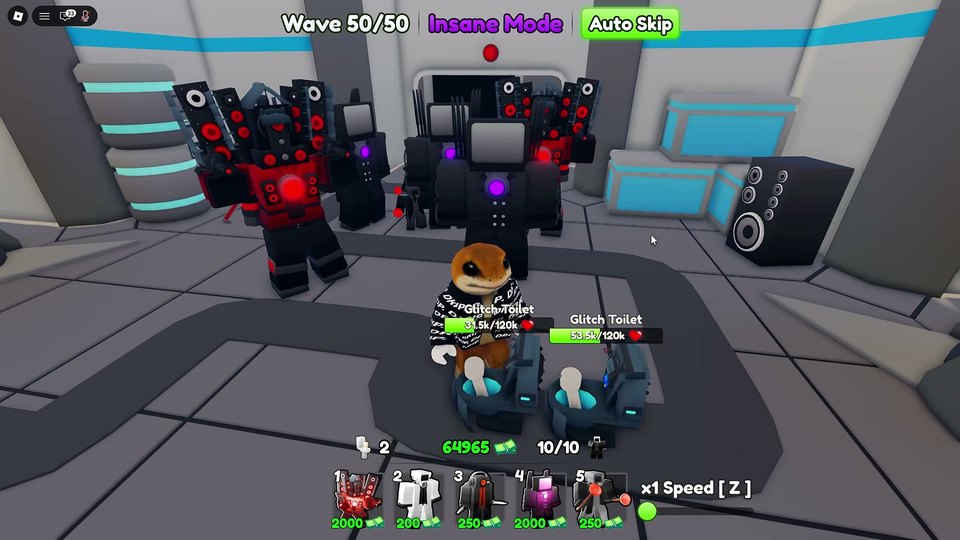
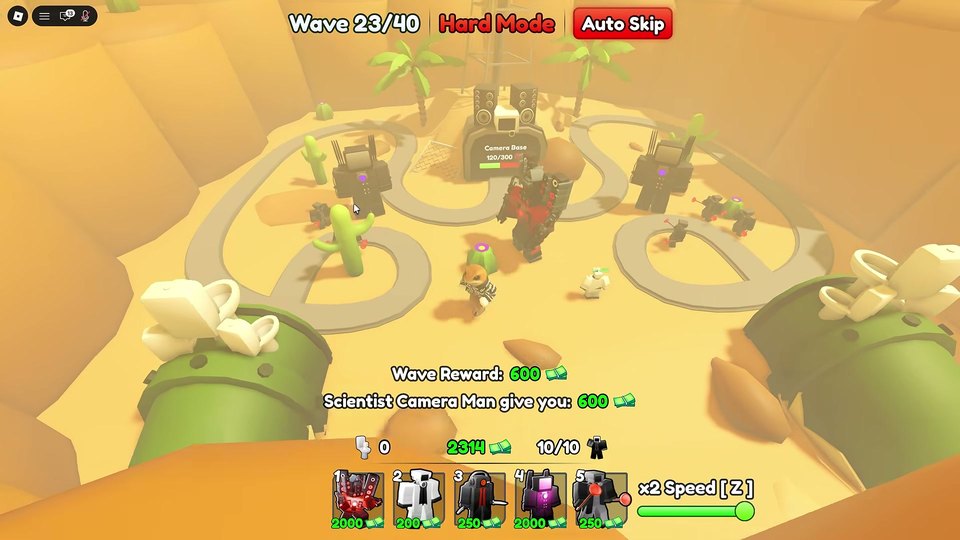
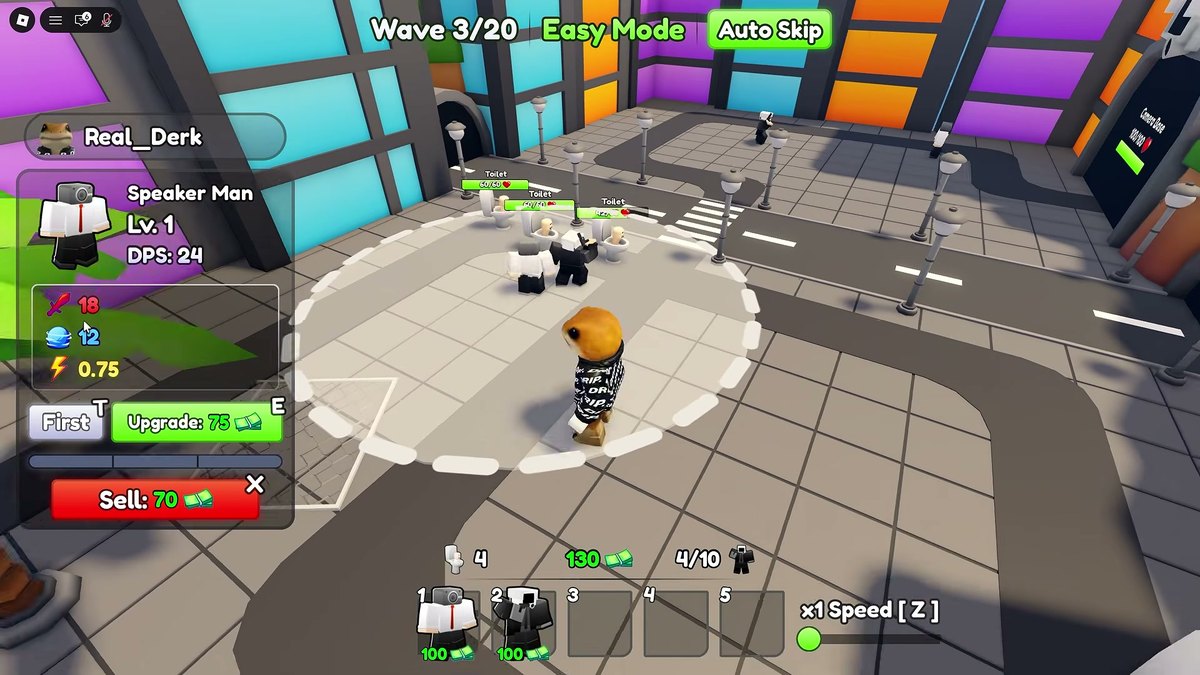
Open the Units menu, equip what you own, press Play and pick Easy — 20 waves, the mode 45% of welcome-badge holders cleared. Place units on the path, upgrade the unit that is working, flip Auto Skip once the lane holds, then claim the lobby chest and spend the Coins on Summon.
Your first Alliance Tower Defense match is a defense problem, not a collection problem: units go down on the path, waves walk into them, and the match cash you earn while they walk is what you spend on upgrades. Clear the mode with the team you have and the Coins you banked in it are what you take to the Summon screen afterwards.
This page is the order of operations for the first hour — lobby, Easy run, first summon, first upgrade decision.
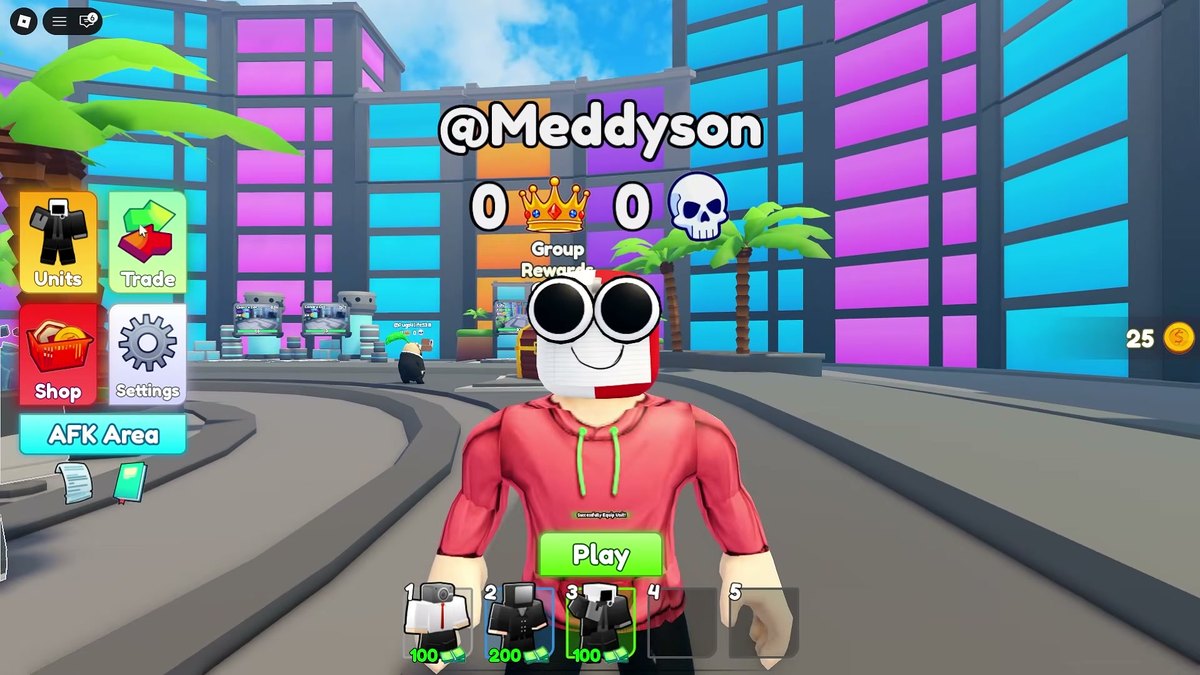
The lobby, mapped
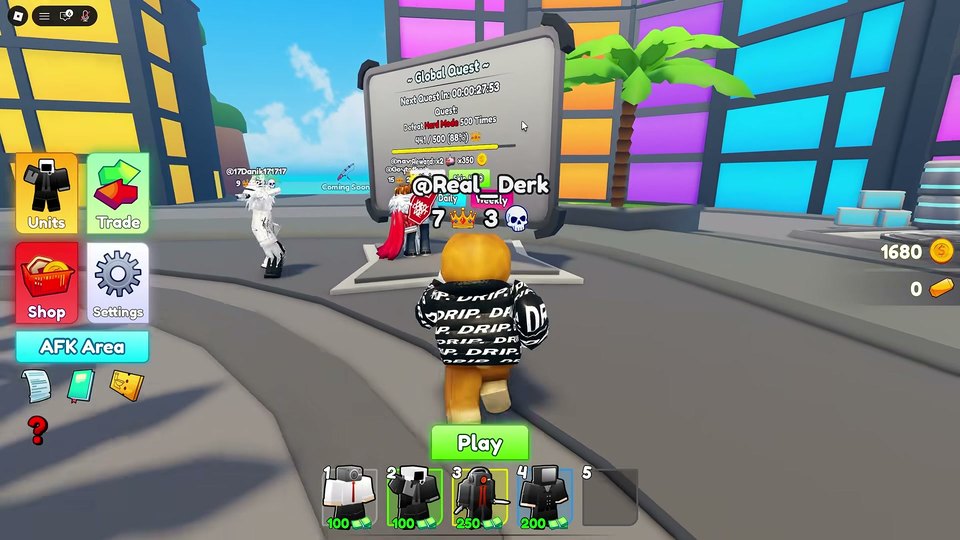
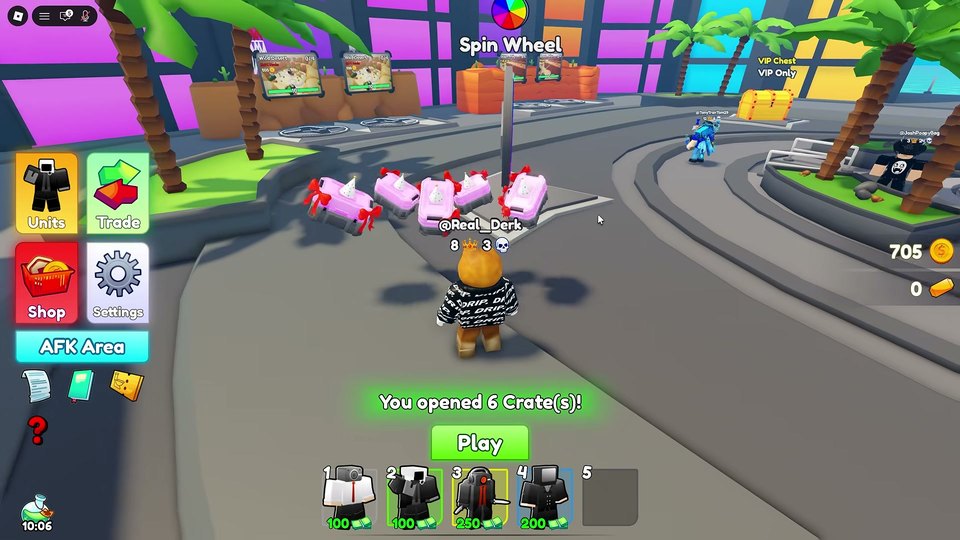
The lobby is where every run starts. The left-hand menu holds Units, Trade, Shop, Settings and the AFK Area; your Coins and Wins sit in the bottom-right corner; the green Play button along the bottom loads you into matchmaking.
- Units — inspect what you own and equip the team you will take into the match.
- Shop — where the Robux passes live. Nothing there is required to play.
- AFK Area — a room you can idle in for passive Coins when you are not running matches.
- Trade — the player-to-player menu. Treat it as a social feature, not a shortcut.
- Rewards Claim — the lobby chest that hands out what your finished runs earned.
First match: pick City on Easy, not Hard
Easy is a 20-wave mode and it is the one to learn on. The official badge counts tell you how the player base behaves: 615,739 players hold the Easy badge against 1,357,249 who hold the welcome badge. Medium, Hard, Insane and CRAZY are each smaller than the last, so queueing Hard on day one is queueing against the wall most players never got past.
| Step | What you do | Why |
|---|---|---|
| 1 | Open Units and equip whatever you already own | An empty squad wastes the first waves |
| 2 | Press Play, then pick the City map on Easy | 20 waves, the on-ramp mode, and the map the tutorial points you at |
| 3 | Place your first units on the path, not beside it | Damage only matters where enemies walk |
| 4 | Spend wave cash on upgrades before adding new units | Upgrading beats spreading |
| 5 | Turn on Auto Skip once the lane holds | Faster waves, same Coins |
| 6 | Finish all 20 waves, then claim the chest in the lobby | Finished-run rewards |
What actually loses matches
Upgrade spread. Match cash comes from waves clearing, and it arrives in small amounts early. Three half-upgraded units stop less than one strong unit plus a filler — the HUD shows each upgrade price as you hover, so watch the curve before you commit.
Placing off the path. Towers that never fire are decoration. Corner placements that cover two stretches of the lane are the ones that earn their price.
Skipping Auto Skip forever. Auto Skip is a per-match toggle: once the lane is holding, leaving it off just means fewer completed waves in the same sitting.
Queuing Hard for the badge. Hard, Insane and CRAZY badges sit at 169,541 / 144,891 / 102,184 holders. Those numbers are roughly one in eight Easy clearers — treat them as a second-week goal.
Straight after the match
- Walk back into the lobby and open the Rewards Claim chest.
- Spend Coins on Summon — that is the only route from Coins to new units.
- Equip anything better than what you were running, and re-run Easy with it.
- When Easy stops being close, move to Medium: 30 waves, same rules, tighter economy.
Common first-hour questions
Do I need Robux to clear Easy? No. The 99 R$ x2 COINS pass speeds up the Coins you bank, but Easy is winnable with the starting squad.
When should I touch Trade? After you understand what you actually use. Trading before that just moves units you have not tested.
How often does this page get re-checked? Same as the rest of the site — whenever the game patches, and the developer's stated cadence is weekly.
Next: Modes and difficulty, by the numbers or Units and the Summon system.